In previous articles, I tried to build the pjsip package, but it’s hard to verify that the package works correctly without a solid understanding of SIP. So I decided to get more familiar with how SIP works by setting up a switch. There are two popular choices: Asterisk and FreeSwitch. I chose FreeSwitch because pre-compiled binaries for Windows 7 are already available.
http://wiki.freeswitch.org/wiki/Installation_Guide
After installation, remember to allow the application through the firewall. Since this is just for testing, I ran FreeSwitch with the default configuration.
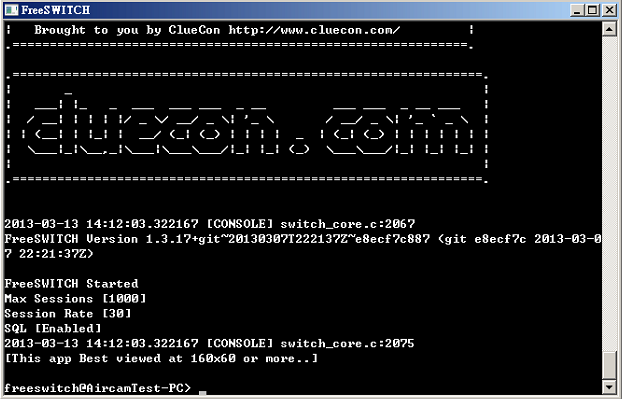
When the switch is ready, we can choose a softphone for testing. Here are the available softphones:
http://wiki.freeswitch.org/wiki/Softphones
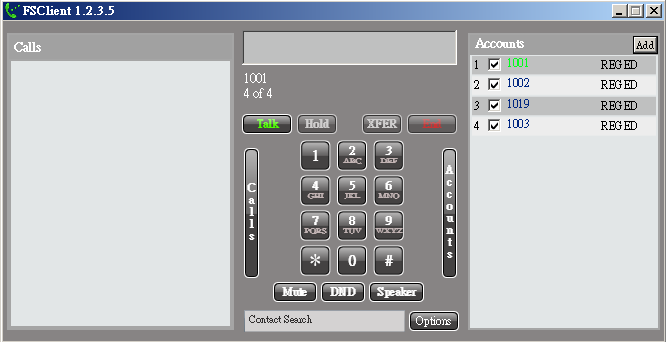
I chose FSClient on Windows 7.
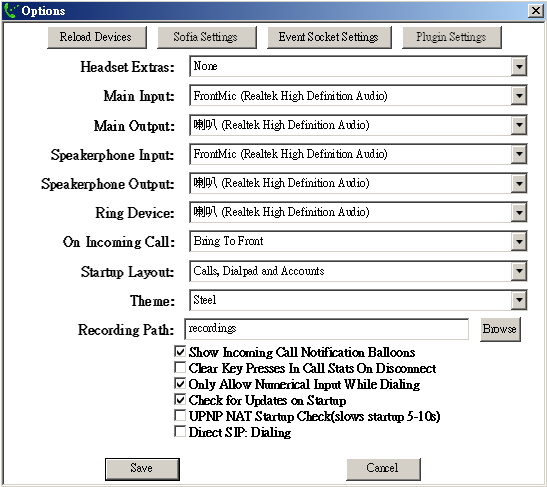
Set the device configuration:
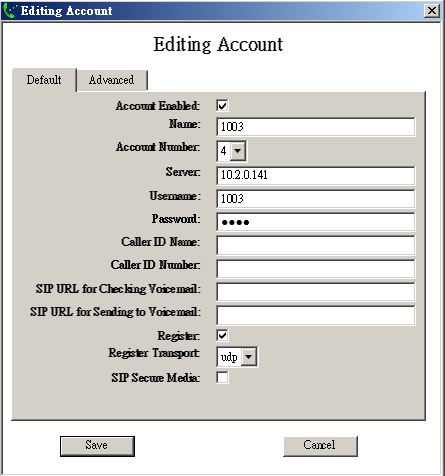
Add a test account and register to FreeSwitch:
Then we can use FSClient to do the test. More information in the getting started guide: http://wiki.freeswitch.org/wiki/Getting_Started_Guide
Some common extensions for testing:
1000, 1001, ..., 1019— Generic SIP extensions5000— Demo IVR (requires sounds and music files to be installed)9195— Five second delay echo test9196— Standard echo test9197— Milliwatt extension9198— Tetris extension for demo TGML generation9664— Music on hold (requires music files to be installed)
It’s easy — just dial it.
Comments & Feedback